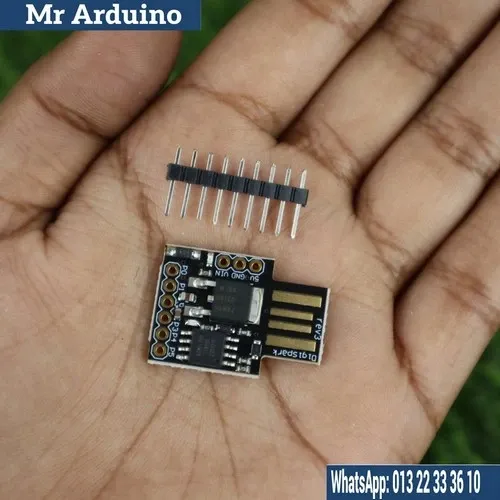
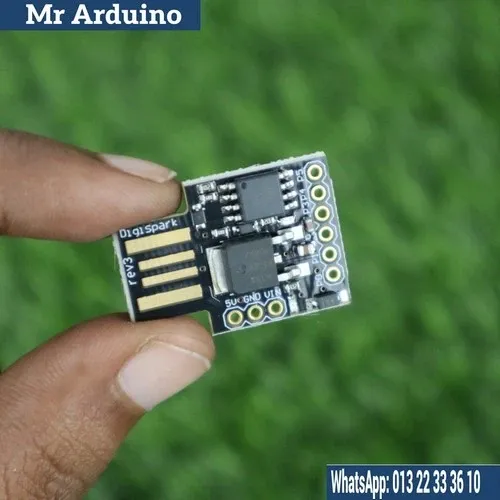
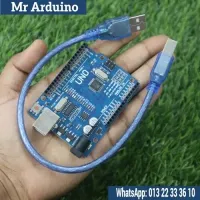
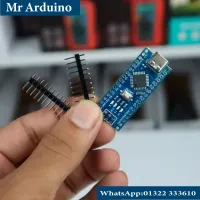
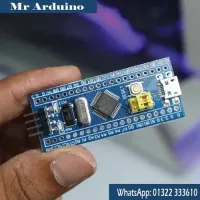
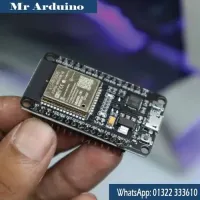
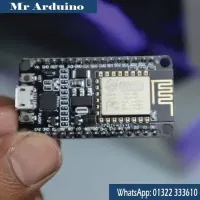
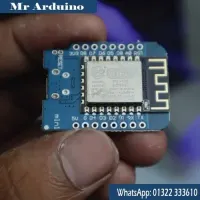
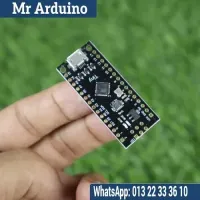
Digispark Kickstarter ATTINY85

4 Orders 2 Wish listed

৳480

Qty
Total price:
  ৳480

Detail Description

The Digispark Kickstarter ATTINY85 is a compact, Arduino-compatible development board based on the ATtiny85 microcontroller. It’s popular for small projects and prototyping due to its simplicity and ease of use. Here’s an overview of its key features and applications:

Key Features:

  1. Microcontroller:
  2. Based on the ATtiny85, which has 8KB of flash memory, 512 bytes of RAM, and 6 I/O pins.
  3. Arduino Compatible:
  4. Can be programmed using the Arduino IDE, making it accessible for users familiar with Arduino programming.
  5. USB Interface:
  6. Includes a built-in USB interface for easy programming and power supply, allowing it to connect directly to a computer without needing an external programmer.
  7. Small Form Factor:
  8. Compact size makes it ideal for projects with space constraints.
  9. Power Supply:
  10. Can be powered via USB or a battery, providing flexibility for various applications.

Applications:

  1. DIY Electronics Projects:
  2. Perfect for hobbyists and makers looking to create small devices or automate tasks.
  3. Wearable Electronics:
  4. Its small size makes it suitable for wearable tech applications.
  5. Sensor Projects:
  6. Can be used with various sensors and modules (like temperature, humidity, or motion sensors) for environmental monitoring.
  7. IoT Devices:
  8. Easily integrated into Internet of Things projects for basic data collection and control.

Getting Started:

  1. Install the Arduino IDE:
  2. Download and install the Arduino IDE from the official Arduino website.
  3. Add Digi spark Board Support:
  4. You may need to install additional board support via the Board Manager in the Arduino IDE to program the Digi spark.
  5. Connect the Digi spark:
  6. Plug the Digi spark into your computer’s USB port. It should be recognized as a connected device.
  7. Write Your Code:
  8. Use the Arduino IDE to write your code. You can utilize libraries to control various components and sensors.
  9. Upload Code:
  10. Upload the code to the Digi spark. The board will automatically reset and program itself.

Tips:

  1. Check Pin Configuration:
  2. Be mindful of the pin configuration, as some pins may have multiple functions or limitations (like PWM or analog input).
  3. Use External Components:
  4. For projects requiring more power or additional functionality, consider using external components like transistors, relays, or sensors.
  5. Power Management:
  6. When using batteries, implement power-saving techniques in your code to prolong battery life.

No review given yet!

Fast Delivery all across the country
Safe Payment
7 Days Return Policy
100% Authentic Products

You may also like

View all

MC6C Mini Transmitter With MC6RE-V2 Receiver | Micro Zone

৳3,500

ESP32 30 Pin Development Board Type C

৳420

Battery Bracket Set 4x5

৳150

Battery Bracket Set 3x5

৳120

Shock Absorber for APM Flight Controller

৳350

Digispark Kickstarter ATTINY85
৳480 ৳0
৳480
480