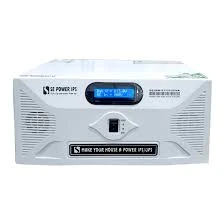
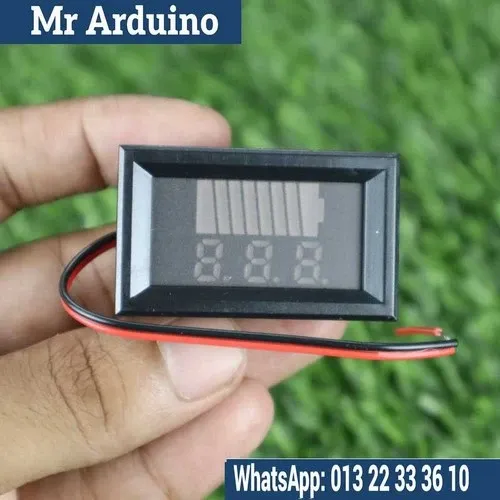
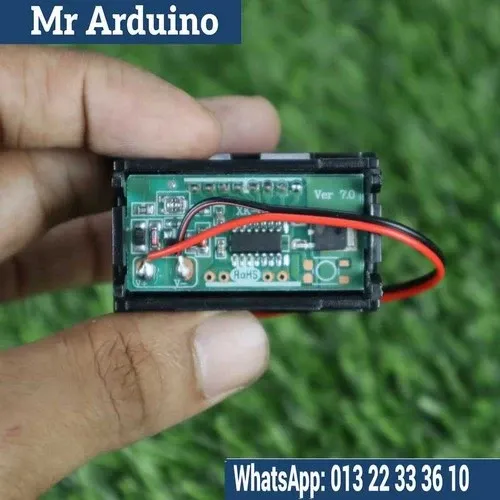
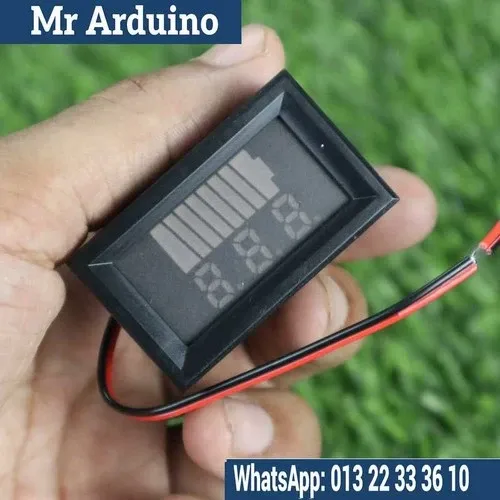
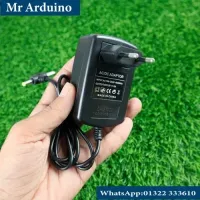
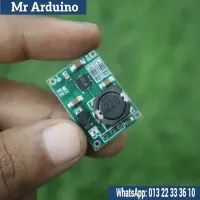
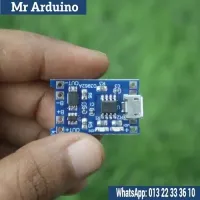
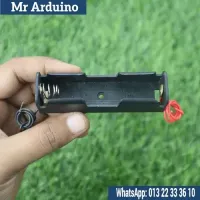
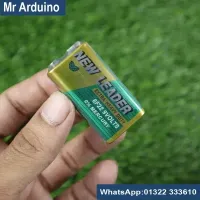
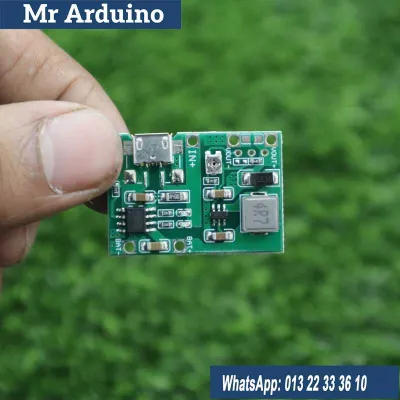
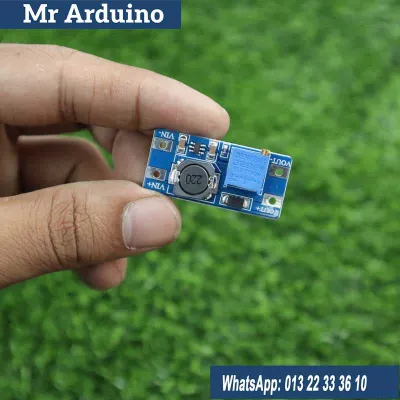
12V Battery Capacity & Charging Level Indicator

5 Orders 1 Wish listed

৳160

Qty
Total price:
  ৳160

Detail Description

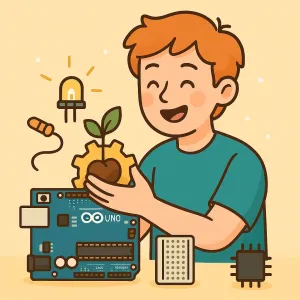
To create a 12V battery capacity and charging level indicator, you will need the following components and steps:

Components:

  1. Voltage Divider: To step down the voltage for measurement.
  2. Microcontroller (e.g., Arduino): To read the voltage and display the charge level.
  3. Resistors: For the voltage divider and pull-down.
  4. LEDs or LCD Display: To show the battery level.
  5. Battery Connector: To connect the battery.
  6. Power Source: For the microcontroller if it's not powered by the battery.

Steps:

  1. Voltage Divider Setup:

    • Connect two resistors in series between the battery terminals.
    • The junction between the resistors provides a fraction of the battery voltage, suitable for the microcontroller's analog input.
  2. Microcontroller Programming:

    • Write code to read the analog input.
    • Convert the analog reading to voltage.
    • Map the voltage to the battery percentage based on known discharge curves.
  3. Display Setup:

    • For LEDs: Connect multiple LEDs to different pins. Light them up based on the battery percentage.
    • For LCD: Use an LCD library to display the percentage.
  4. Assemble and Test:

    • Connect the voltage divider output to the microcontroller's analog input.
    • Connect the LEDs or LCD to the appropriate digital pins.
    • Upload the code and test with the battery.

For a detailed guide, you can refer to the resources like the DIY Battery Level Indicator/Auto Cutoff for 12v Battery and 12V Battery State of Charge Indicator.


No review given yet!

Fast Delivery all across the country
Safe Payment
7 Days Return Policy
100% Authentic Products

You may also like

View all

Piezo Element

৳50

LiPo Battery 7.4V 1100 Mah 2S LiPower

৳1,250

105mm ABS Propeller Set 3 Pieces

৳120

Brushed ESC 20A

৳340

JST Connector Male Female Pair

৳40

12V Battery Capacity & Charging Level Indicator
৳160 ৳0
৳160
160